Run MOSS-Image Online — Free, No Setup
OpenMOSS's 5B text-to-image model. Photorealistic and anime styles, clean in-image text, no GPU or HuggingFace account required.
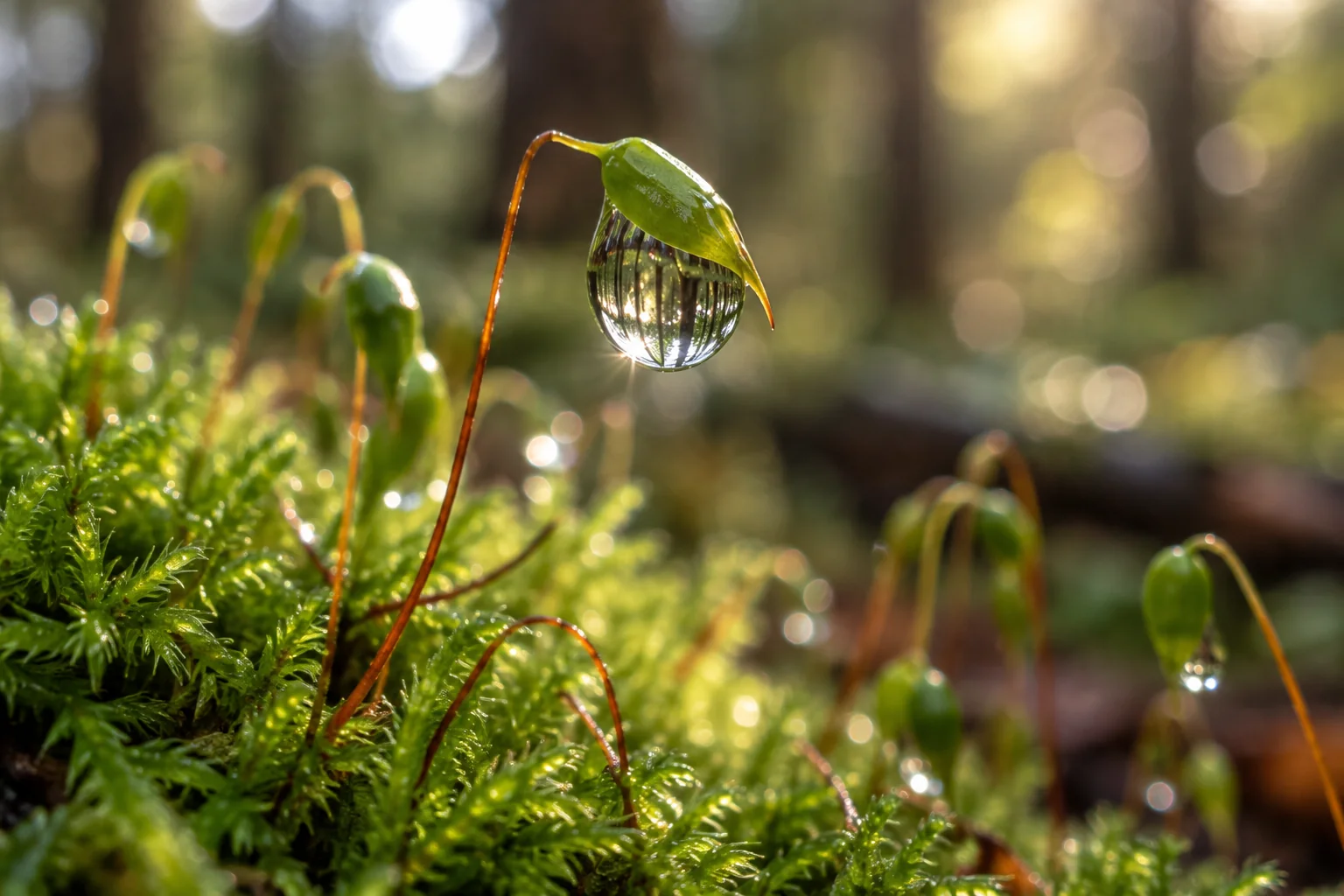
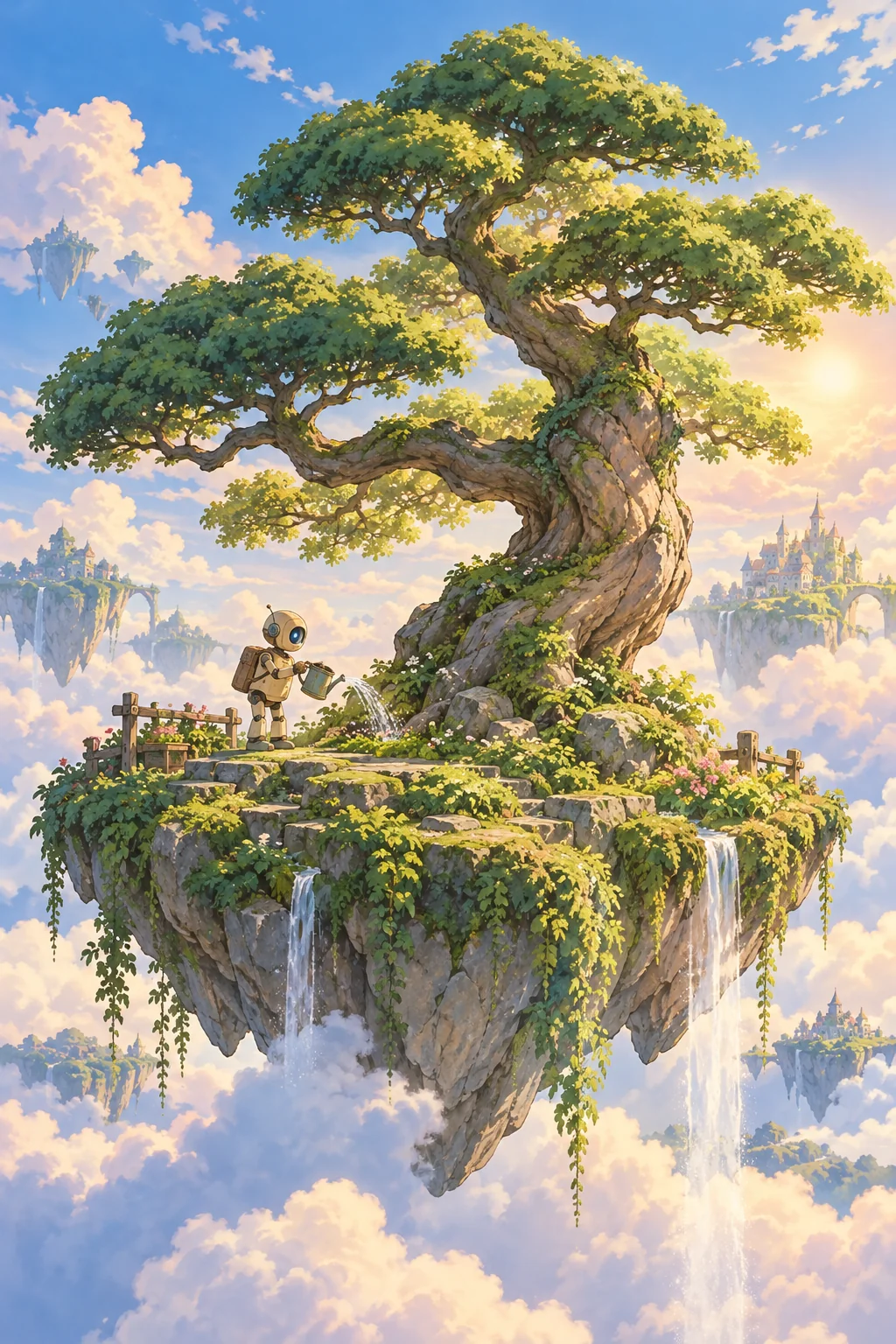
What is MOSS-Image?
MOSS-Image is a 5-billion-parameter open-source text-to-image model released by OpenMOSS in October 2026. It uses a Diffusion Transformer (DiT) architecture and is explicitly trained for both photorealistic and anime-style generation — two styles most open models struggle to do well simultaneously.
- 5B DiT model, Apache 2.0 license — free for commercial use
- This site hosts MOSS-Image-SFT, the supervised fine-tuned variant for general-purpose generation
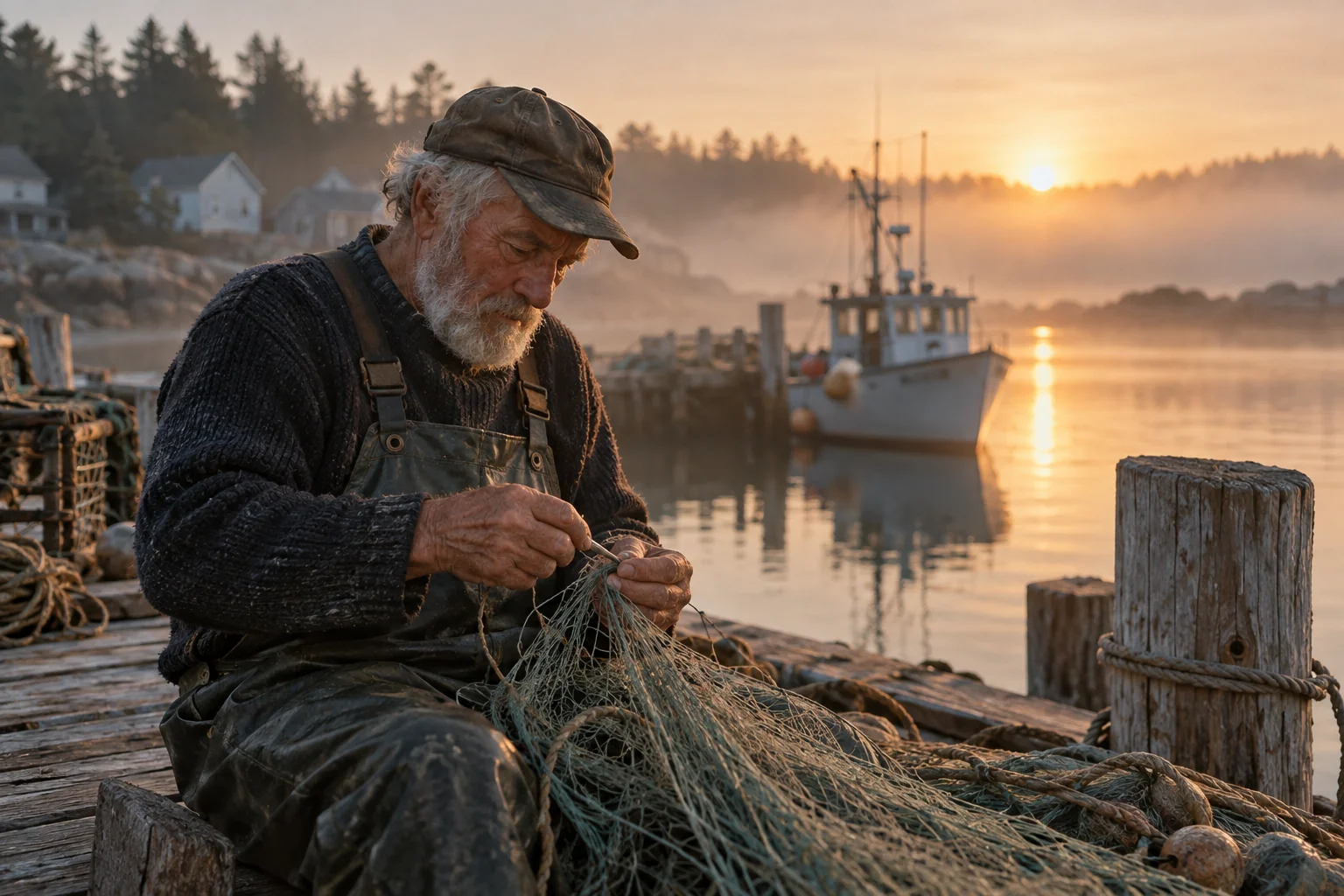
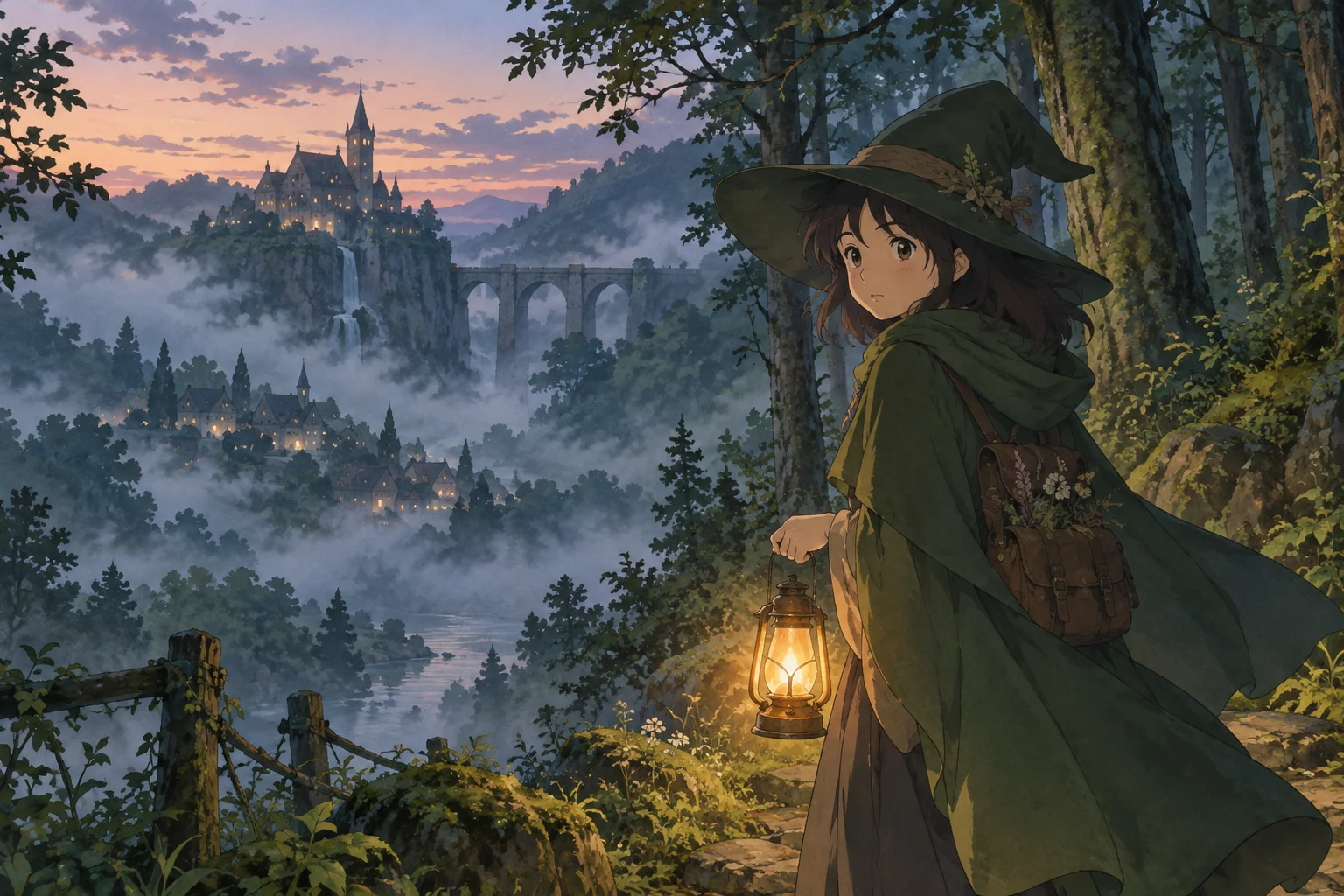
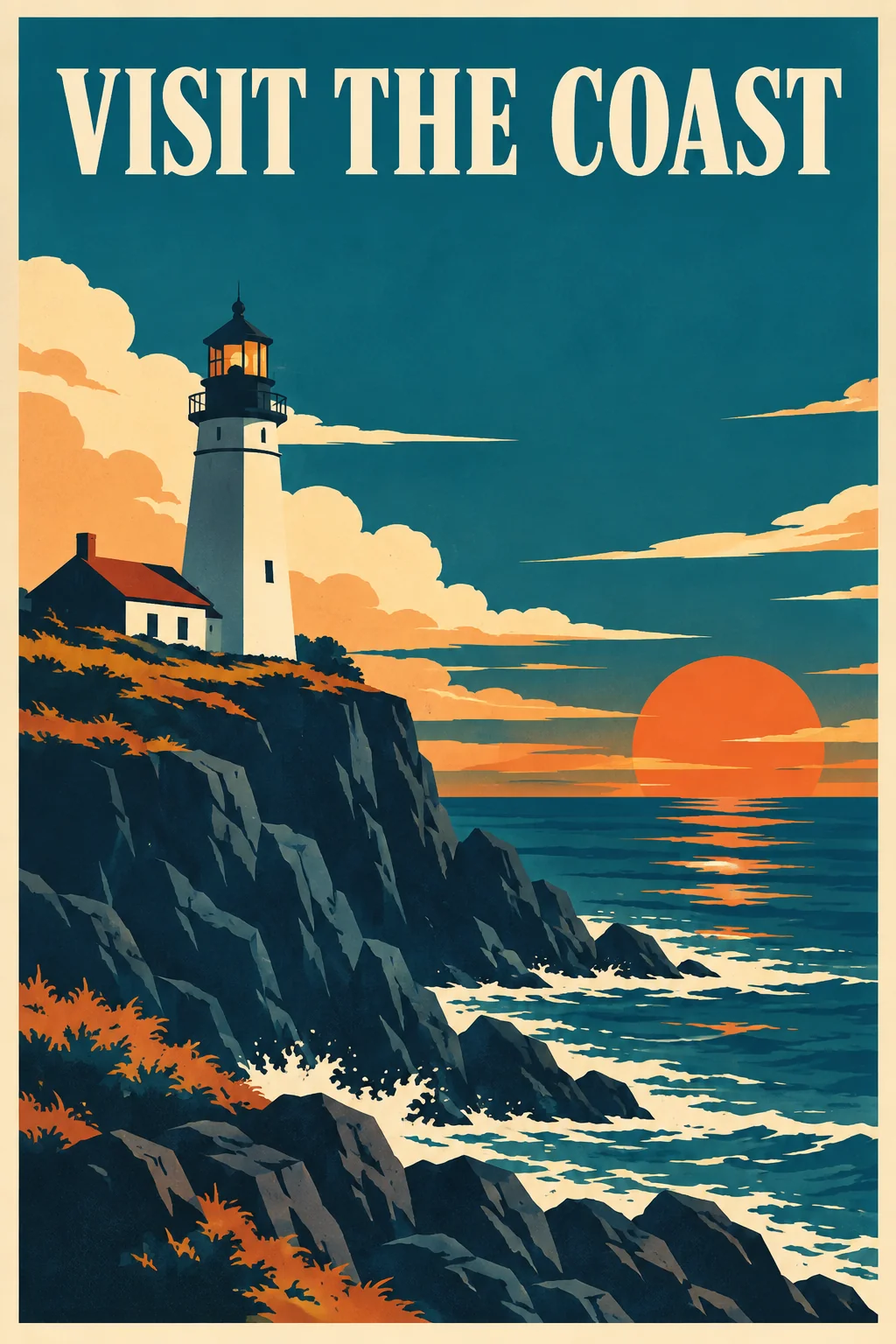
- Photorealistic and anime styles, in-image text rendering, long structured prompts
Learn more: OpenMOSS/MOSS-Image · Official HF Demo · API docs
Why Creators Pick MOSS-Image
What this 5B model actually does well — verified against the official release
Photorealistic & Anime
MOSS-Image was trained for both photorealistic scenes and anime-style illustration — two of the most demanded styles in one model.
Clean In-Image Text
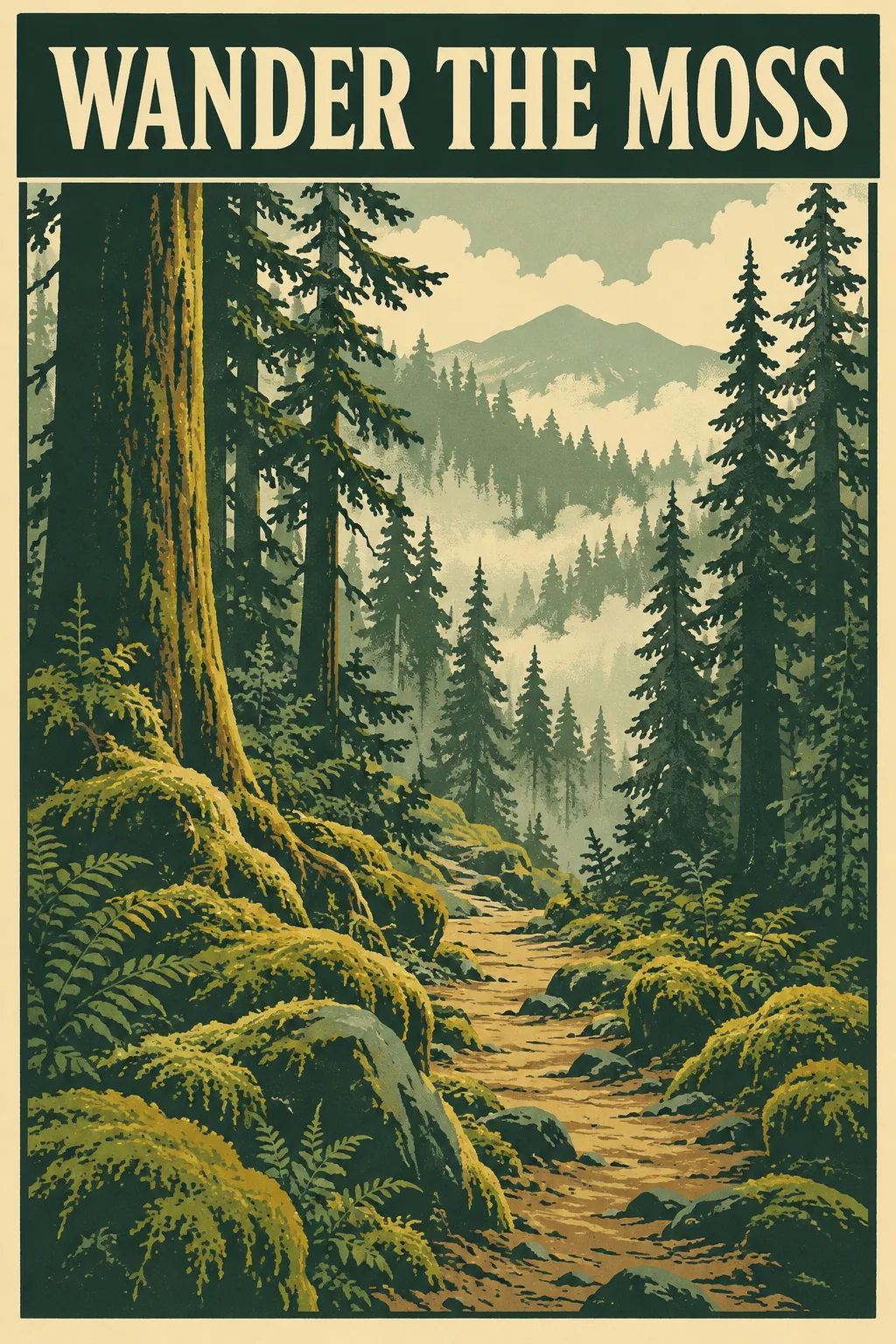
Renders legible English text inside posters, signs, labels, and graphics — a known weak point of many open image models.
Long Prompt Support
Describe complex scenes in detail. Long, structured prompts are handled natively — no truncation, no keyword cramming.
No GPU, No Setup
Skip the ~11GB VRAM requirement and ComfyUI installation. Generate directly in your browser on our hosted infrastructure.
Multiple Aspect Ratios
Square, portrait, landscape, and widescreen formats — pick the ratio that fits your use case before generating.
Free to Start
Apache 2.0 open model. We give you free starter credits — no HuggingFace account, no queue, no cold-start waiting.
How to Use MOSS-Image
From prompt to image in three steps
Write a prompt
Describe the scene in plain English — the more detail, the better. Long prompts are supported.
Pick an aspect ratio
Square for posts, portrait for covers, widescreen for banners — choose before generating.
Generate & download
Get your image in seconds. Download it or iterate on the prompt to refine.
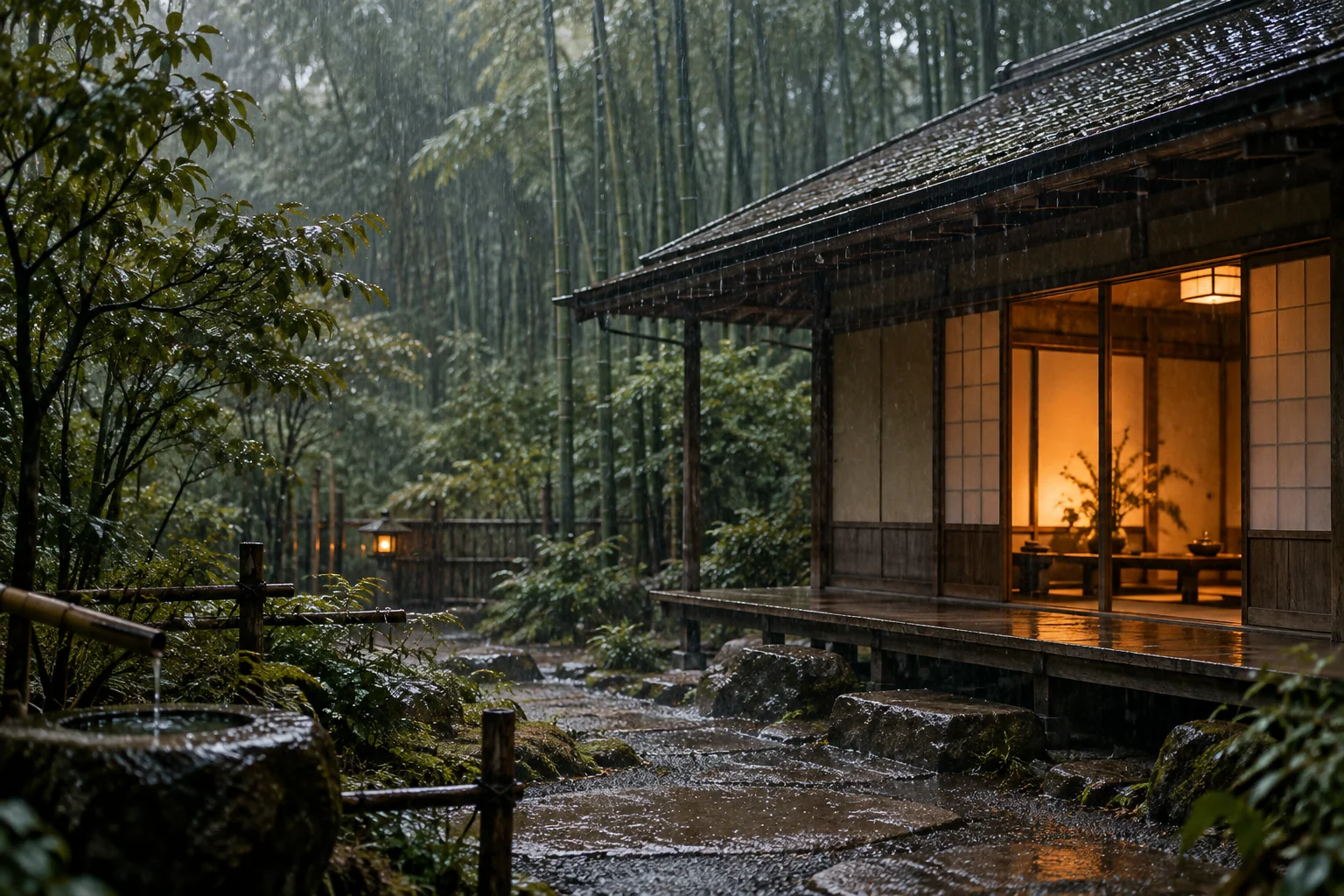
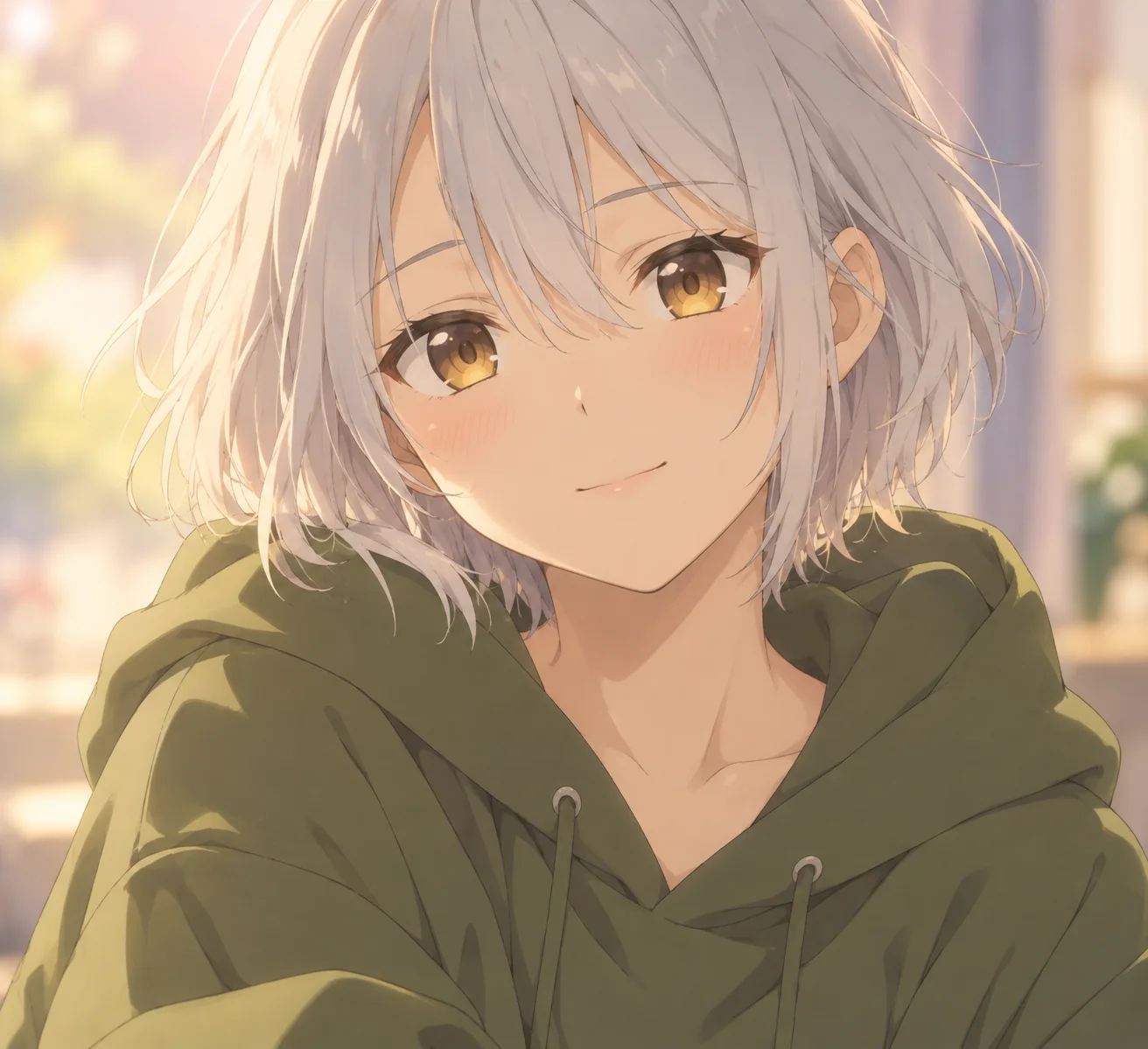
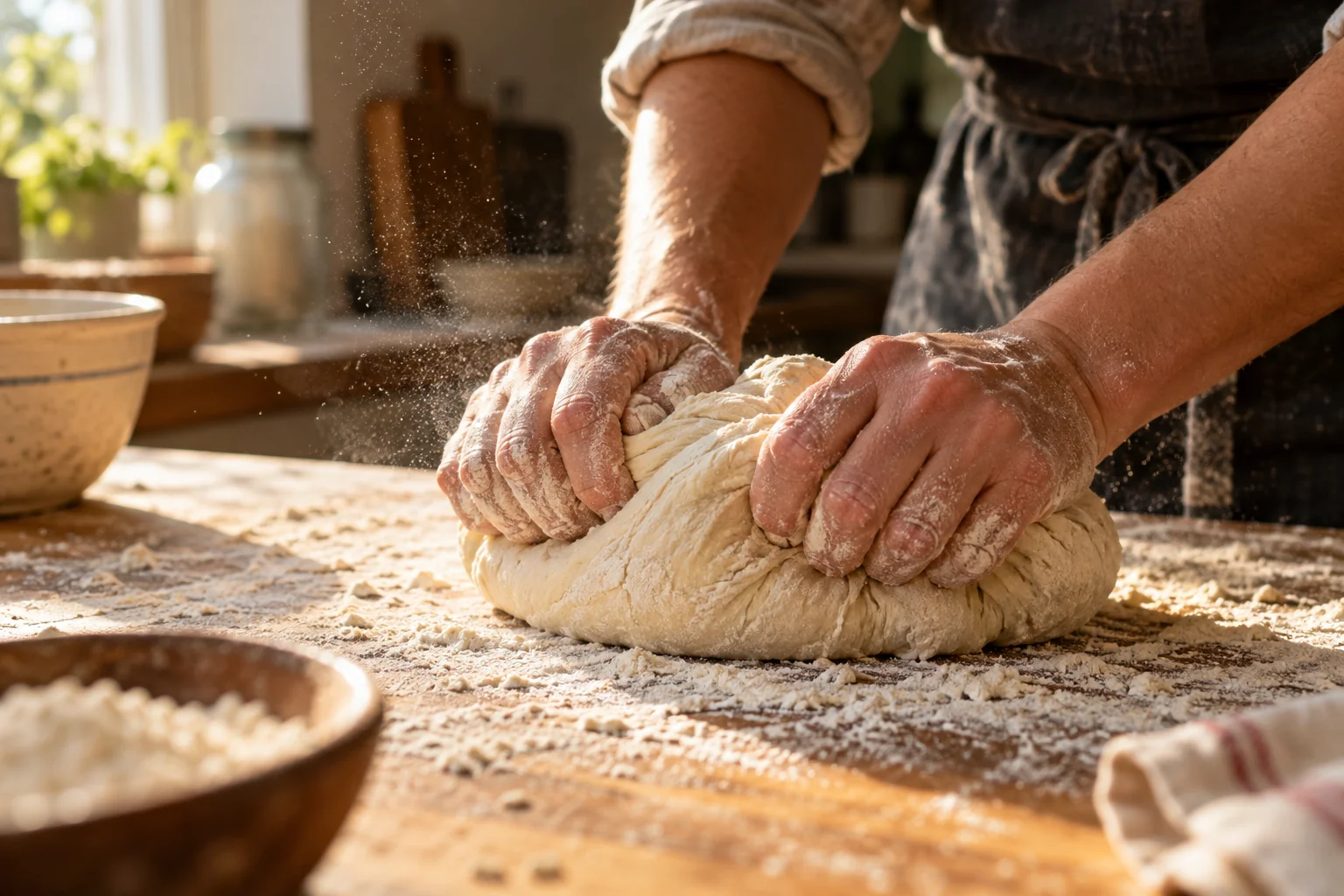
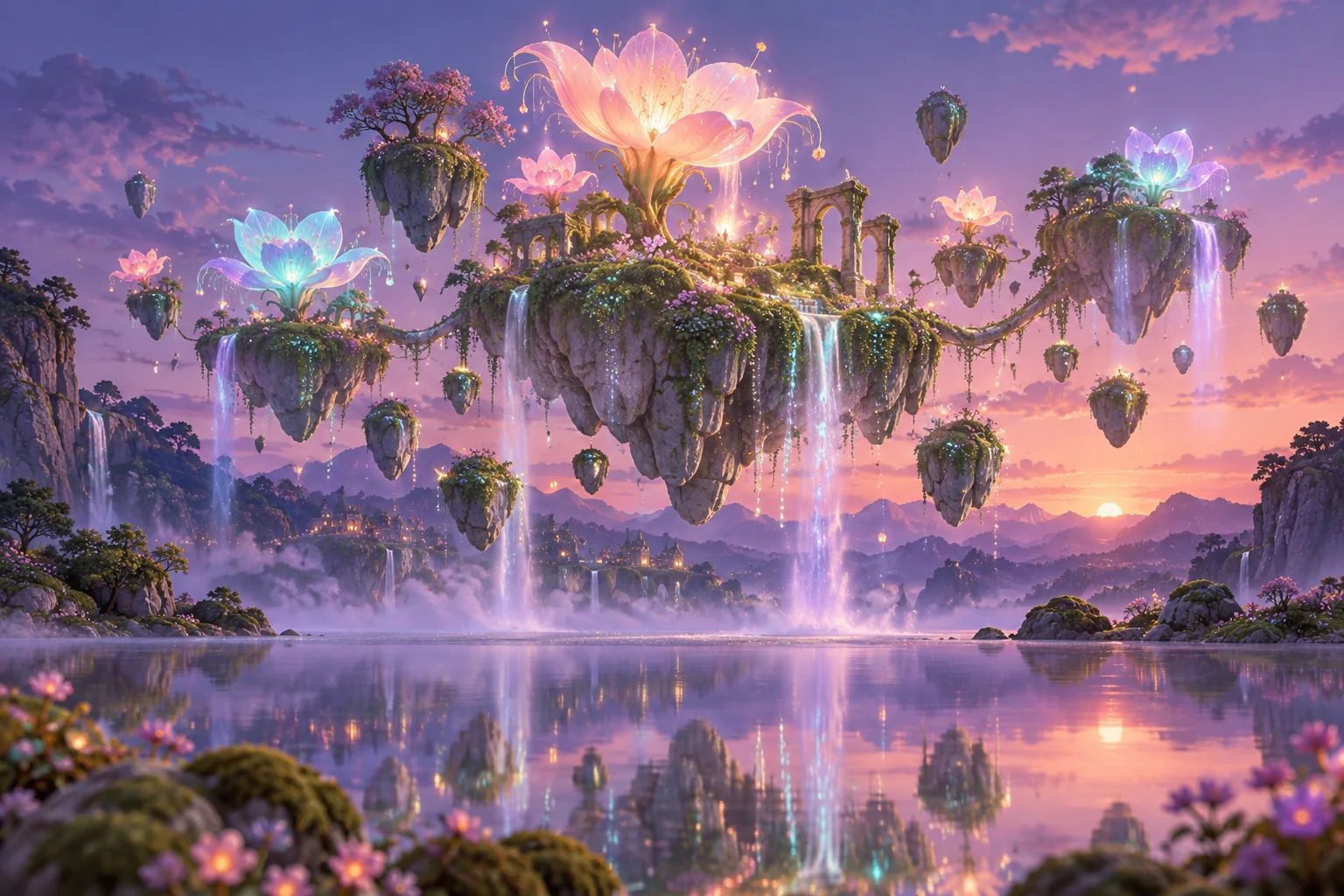
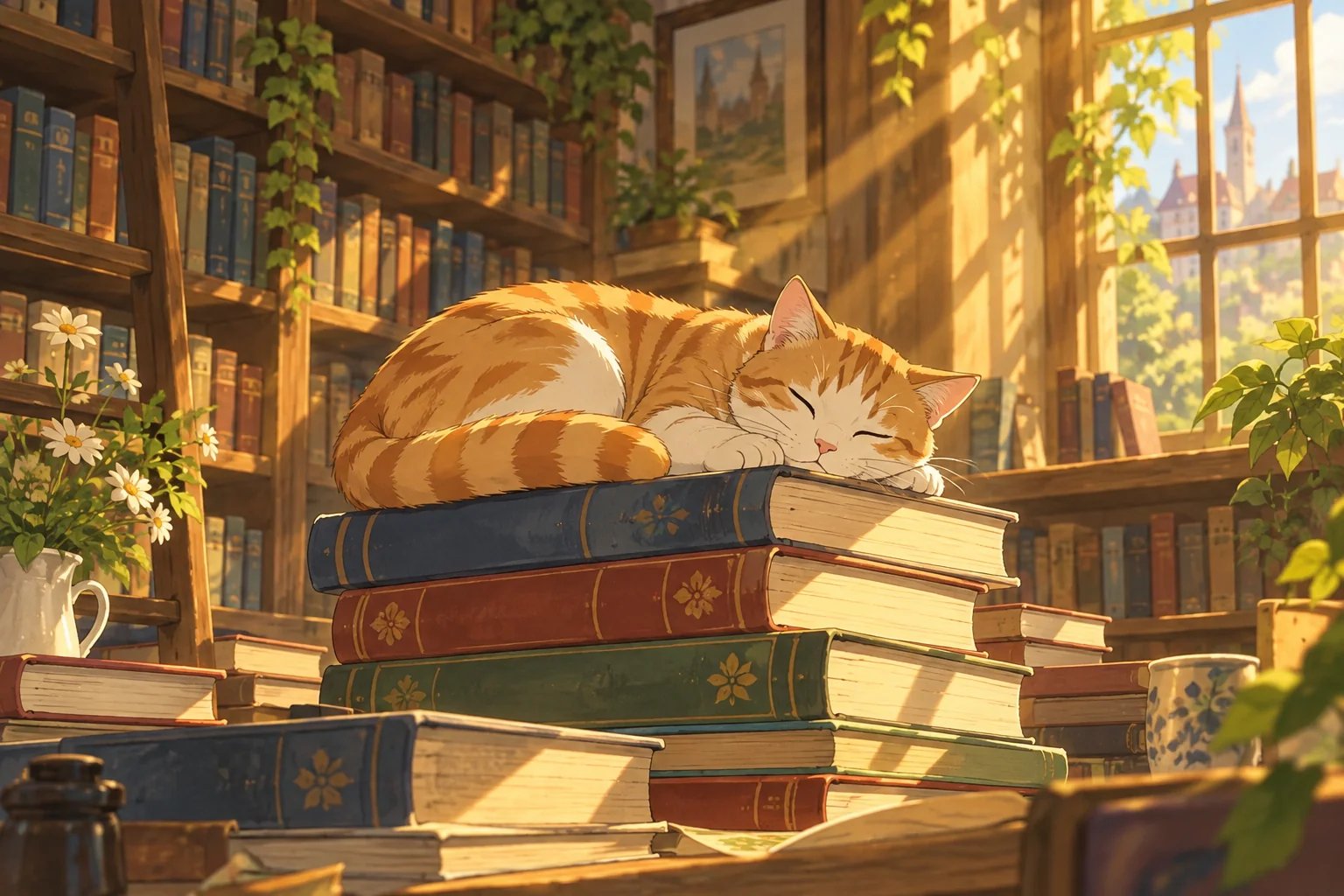
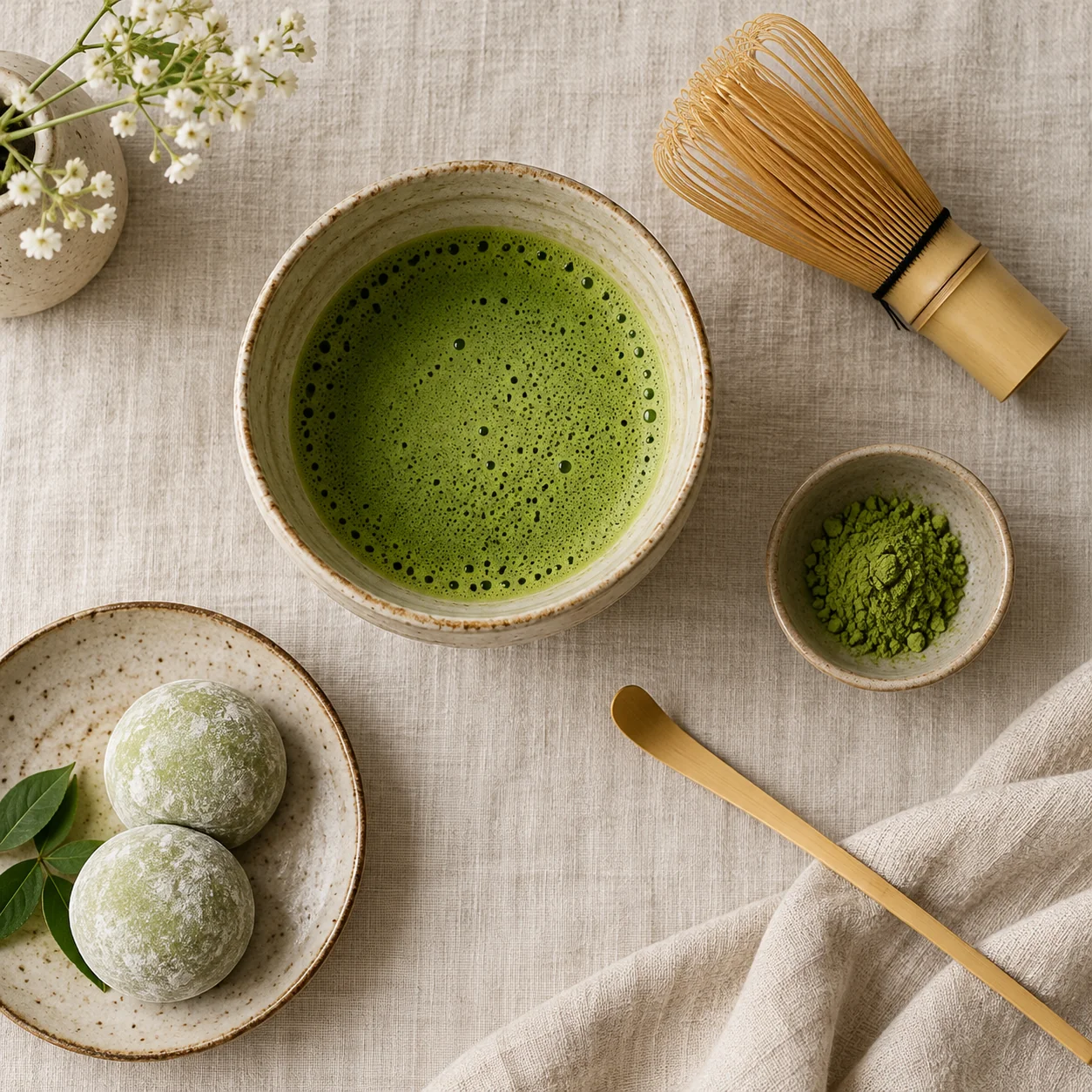
✨ Generated with MOSS-Image
See what the model can do
Try MOSS-Image Now
Simple Pricing
Start free, upgrade when you need more
Each generation uses a small credit amount. Free starter credits let you try MOSS-Image before committing.
Basic Plan
Pro Plan
Max Plan
Need more flexibility?
View full pricingFrequently Asked Questions
Everything you need to know about MOSS-Image
Start Generating with MOSS-Image
Free credits, no signup, no GPU needed.